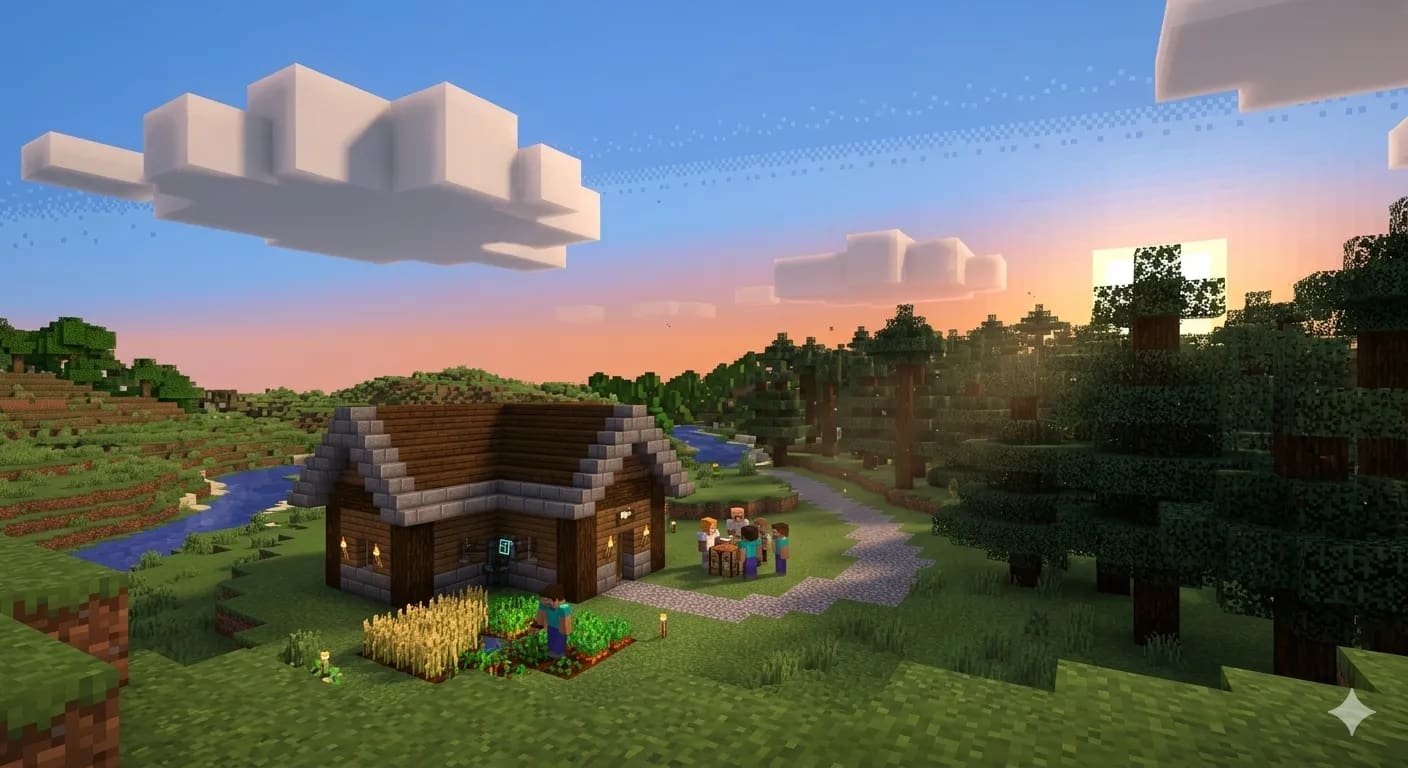
Starting a Minecraft server does not have to mean paying for more computing power than your world needs. The smarter approach is to match the hosting plan to the way people play, the software you intend to run, and the amount of freedom you want over server settings. Looking for cheap minecraft hosting is a useful starting point, but the lowest advertised price is only one part of a good decision. Stability, upgrade options, backups, and ease of management also influence the experience.
Start with the kind of world you want to build
A small vanilla survival world has different requirements from a public server with custom economies, dozens of plugins, or a large modpack. Before comparing providers, decide whether your group will explore casually, build together, run events, or invite players you do not know.
This decision helps establish a realistic baseline. A private world for a few friends may work well with a modest plan, while a community server needs room for activity spikes and more demanding features. Choosing based on actual use prevents both overspending and frustrating limitations.
Understand what the monthly price includes
Hosting prices can look similar while including very different allowances. Check the amount of RAM, storage type, backup options, server locations, support access, and whether important tools cost extra. A low headline price is less useful if essential management features require several add-ons. For example, Astroworld Hosting includes nightly backups and DDoS protection on every plan, which shows how included features can be compared alongside the monthly price.
Also check billing terms before committing. Confirm whether the displayed amount is monthly, whether taxes are added at checkout, and how upgrades or cancellations work. Clear pricing makes it easier to estimate the cost over several months instead of judging a plan by its first payment alone.
Match resources to your player count
RAM is important because Minecraft worlds, plugins, and mods all use memory, but more RAM is not automatically a guarantee of better performance. CPU availability, world generation, view distance, entity counts, and the efficiency of installed software can affect responsiveness just as much.
Think about the busiest time your server is likely to experience rather than only the number of people who join on an average evening. A small buffer can help during group events, exploration, or new-world launches. Keep an eye on performance after setup and upgrade only when evidence points to a resource limit. A tool like the server finder at FindYourMinecraftServer can help here: it asks a few questions about players, mods, edition, budget, and region, then suggests a plan size to compare.
Look beyond the cheapest line on the pricing page
Compare the practical value of each plan: how quickly can you change settings, restore a world, install software, or investigate an error? A straightforward control panel can save time for new administrators, while experienced owners may care more about file access, console tools, and precise configuration options.
Providers offering affordable minecraft hosting should still explain resource limits and the services included. Read the plan details carefully, especially for backups, DDoS protection, and modpack support. A fair comparison weighs total cost against the tools you will actually use, rather than treating price as the only measure of quality.
Check location and connection expectations
Where a server is hosted can influence latency. Players generally benefit when the server is geographically closer to most of the group, although home internet quality and routing also matter. If friends live in different countries, choose a location that offers a reasonable compromise for everyone.
Do not assume that a provider’s advertised hardware guarantees identical results for every server. Shared resources, workload, and configuration can affect real-world performance. If possible, review independent feedback and test the experience during the hours when your group normally plays.
Keep an eye on maintenance and recovery
World files represent hours of building, mining, and exploration, so backup arrangements deserve attention before the first player joins. Find out how backups are created, how many versions are retained, and whether restoration can be completed without opening a support ticket.
Maintenance also includes keeping server software current, removing unused plugins, and testing major changes before applying them to a live world. A simple routine reduces avoidable downtime and makes troubleshooting less stressful. Save a fresh copy before changing versions or adding a large modpack.
Make a decision you can revisit
The best plan is not necessarily the largest or the least expensive. It is the one that meets your current needs, explains its limits, and allows a sensible next step when your community grows. Start with a realistic setup, measure performance, and change the plan when there is a clear reason.
Before paying, review the provider’s documentation, policies, and available support channels. A few minutes of checking can prevent surprises later. For hosting details and plan options, readers can visit cheapestminecrafthosting.com and compare the available configurations with their own server goals.
Conclusion
A good hosting decision balances current needs with the freedom to adapt later. Begin with a manageable setup, protect the world, and use actual performance to guide upgrades. Compare the available plans against the way your group plays, then visit cheapestminecrafthosting.com for service details before choosing a configuration.
About the Author